Draggable BPM HUD
Displays the current BPM on screen and can be dragged to any position while you work.
Hydra Extension
Tempo control for Hydra, closer to how BPM is handled in VJ software: tap tempo, resync, BPM nudging, a draggable HUD, and beat-synced helpers.
await loadScript("https://link.beatmelab.com/hydra-bpm-tools")Intended for Hydra artists that need manual tempo control during rehearsal or performance.
Features
The main purpose of this extension is simple: make BPM control in Hydra behave more like visual tools used in VJ workflows, where tempo can be tapped, corrected, resynced, and adjusted directly while a patch is running.
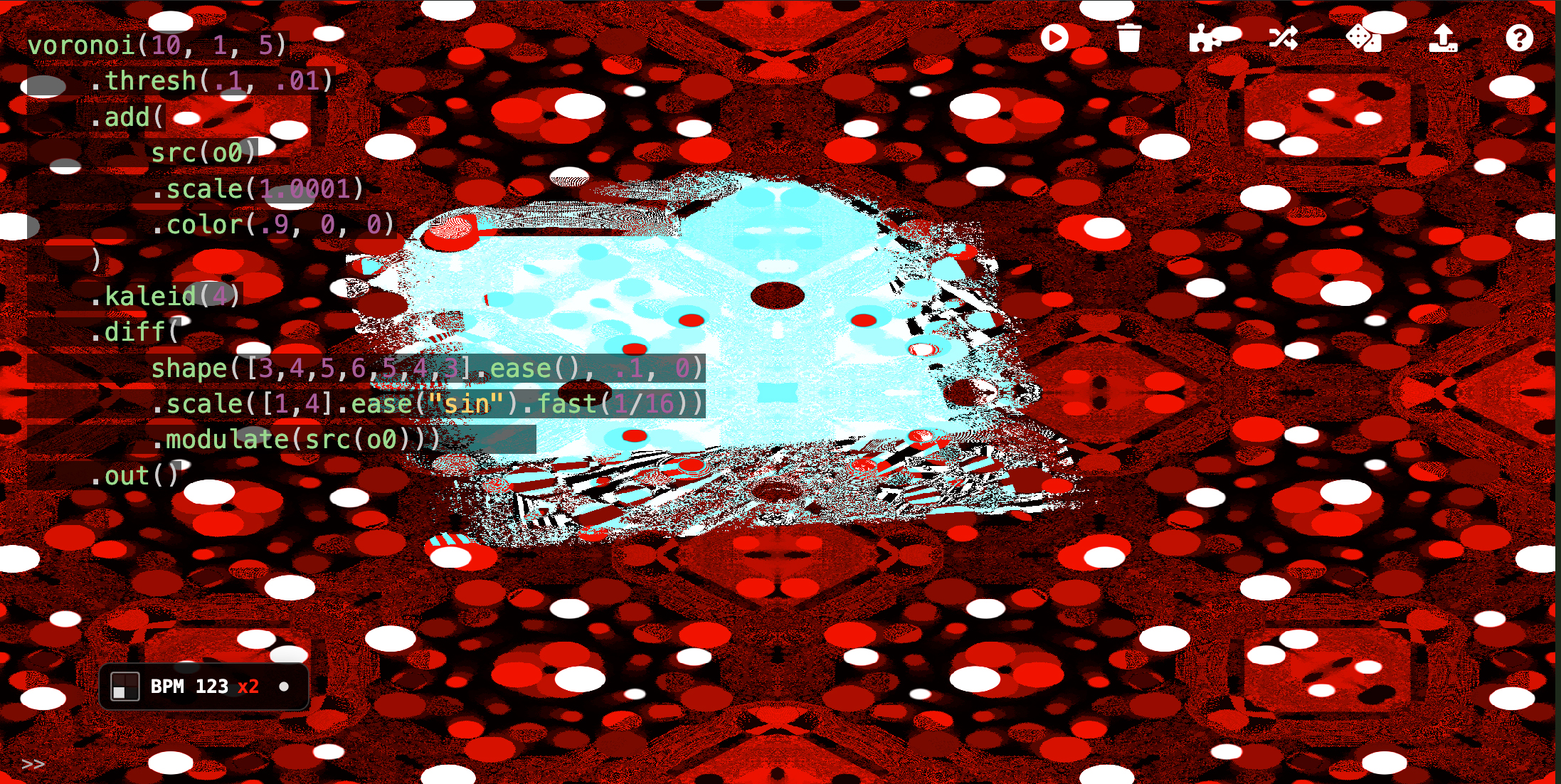
Displays the current BPM on screen and can be dragged to any position while you work.
Sets tempo by tapping, which is often the fastest way to match external music or video.
Resets Hydra time so beat-driven modulation starts again from a clean point.
Includes direct shortcuts for tempo control, resync, hush, HUD visibility, and BPM or rate changes.
Lets you blank the output and restore it without removing the timing state.
Provides beats(), beatsTri(), curve(), and range() for tempo-based modulation.
Lets you halve or double timing quickly while keeping the underlying BPM available.
Can be installed as a userscript so the tool loads automatically each time the Hydra editor opens.
Installation
The default entry point is a short loader URL that points to the jsDelivr asset. A direct jsDelivr link is also available if you prefer an explicit CDN path.
await loadScript("https://link.beatmelab.com/hydra-bpm-tools")await loadScript("https://cdn.jsdelivr.net/gh/beatmelab/hydra-bpm-tools@v2.2.3/hydra-bpm-tools.lib.js")Keyboard Shortcuts
The default bindings are centered on Ctrl+Shift to keep them consistent with other Hydra keyboard shortcuts. All shortcuts use Ctrl+Shift plus one additional key.
| Shortcut | Action |
|---|---|
| Ctrl+Shift+T | Tap tempo |
| Ctrl+Shift+R | Resync |
| Ctrl+Shift+↑/↓ | Adjust BPM |
| Ctrl+Shift+←/→ | Halve or double the rate multiplier |
| Ctrl+Shift+B | Toggle hush() |
| Ctrl+Shift+Enter | Run sketch (and clear hush state) |
| Ctrl+Shift+J | Toggle HUD visibility |
| Ctrl+Shift+K | Toggle minimal HUD mode (number only) |
Beat Envelopes
These functions return values that move with the current BPM. In practice, they are
used as inputs for Hydra parameters such as scale(), rotate(),
color(), or any place where a beat-synced numeric value is useful.
| Function | Output | Use |
|---|---|---|
beats(n) |
1 → 0 over n beats |
Decay-style modulation. |
beats_(n) |
0 → 1 over n beats |
Ramp-up motion. |
beatsTri(n) |
1 → 0 → 1 over n beats |
Cyclic up/down movement. |
beatsTri_(n) |
0 → 1 → 0 over n beats |
Same cycle, inverted phase. |
.curve(q)Changes the response curve of the envelope without changing its BPM sync. Use it when the movement should feel sharper, softer, or more eased.
beatsTri(2).curve(2).range(min, max)
Remaps the normalized envelope output to the numeric interval required by the patch.
Use it when Hydra expects values outside the default 0..1 range.
beatsTri(2).range(1, 2)
These modifiers can be chained together, for example:
beatsTri(2).curve(2).range(1, 2)
Why Use It
Hydra does not provide direct BPM controls. You can change the bpm variable manually, but that is awkward during rehearsal or performance.
Even if you set the bpm variable in code, resyncing phase is still inconvenient. This matters when the tempo is correct but the modulation has drifted out of sync.
Small BPM adjustments can be made without stopping the patch or rewriting values by hand.
The same BPM used for control can also drive modulation through the envelope helpers.
Userscript
If you want the tool available every time the Hydra editor opens, you can also install it as a userscript. With a userscript manager, the extension loads automatically whenever the Hydra editor opens.
Internals
Hydra BPM Tools works by updating Hydra's internal BPM value and resyncing beat-driven motion by resetting Hydra's internal time variable.
Rather than adding a separate transport or custom clock, the extension hooks into Hydra's existing timing behavior. This keeps the workflow simple: BPM changes affect beat-based helpers immediately, and resync can bring animations back to a shared downbeat instantly.
Because it builds on Hydra's own internal timing state, the extension stays lightweight and easy to integrate into live coding sessions.
Programmatic API
The same controls are also available as methods if you want to change tempo or transport state from code.
hydraBpmTools.setBpm(140)
hydraBpmTools.getBpm()
hydraBpmTools.setRate(2)
hydraBpmTools.resync()
hydraBpmTools.toggleHudVisibility()
hydraBpmTools.toggleHush()
Open Source
Hydra BPM Tools is released under the GNU General Public License v3.0.
The envelope API is adapted from hyper-hydra .
Browse source, issues, and releases on GitHub.